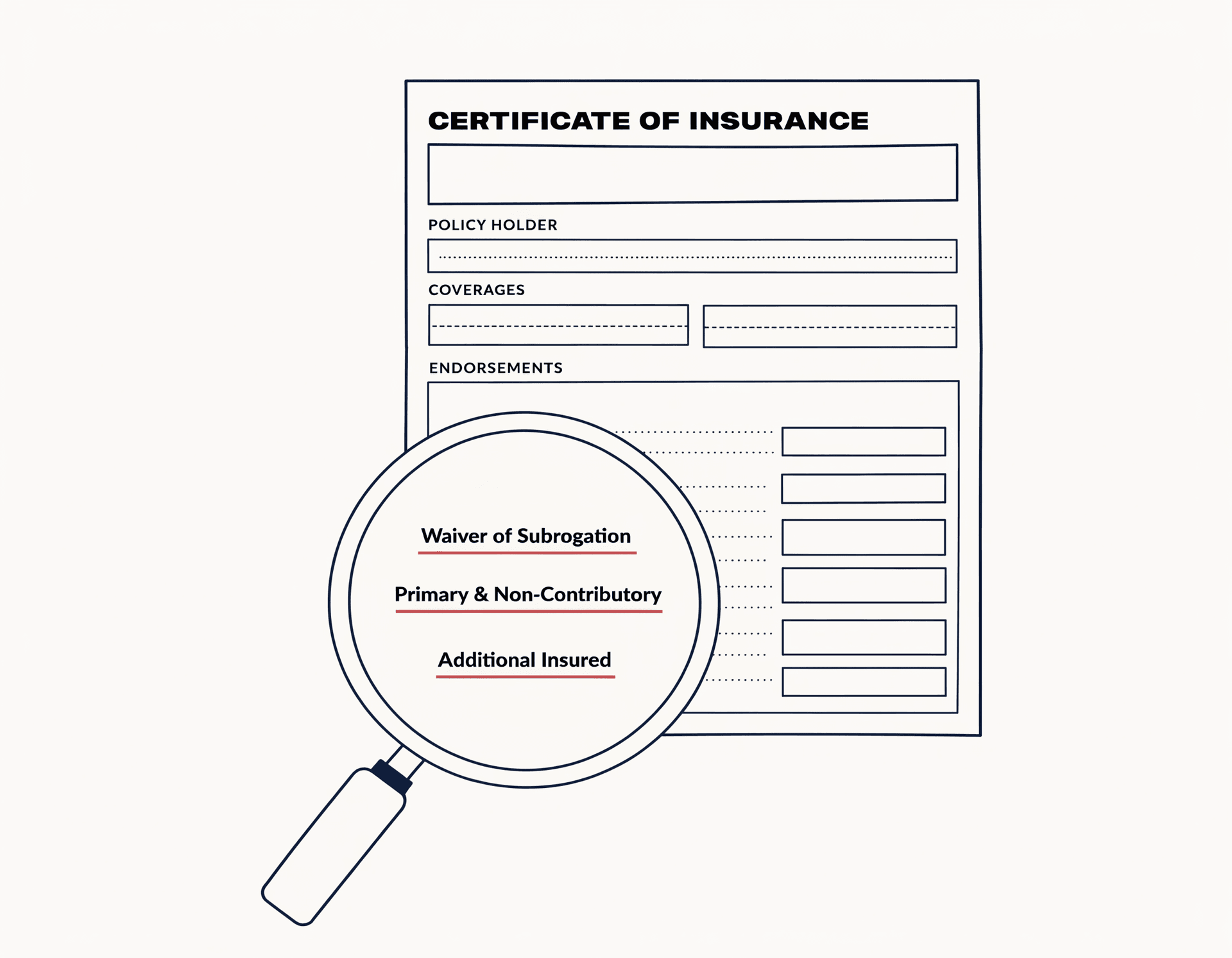
Extract & verify
Spreadsheets can't see Waiver of Subrogation language buried in the Description of Operations.
Endorsements buried on page three — read for you.
Liability shield
SubShield flags missing Waiver of Subrogation, Primary & Non-Contributory, and Additional Insured language on every uploaded ACORD 25 — before you approve the sub.

The cost of a missing endorsement
SubShield was designed around the three points where compliance silently fails — before the loss notice, before the deposition, before the personal-asset call from your broker.
Extract & verify
Spreadsheets can't see Waiver of Subrogation language buried in the Description of Operations.
Endorsements buried on page three — read for you.
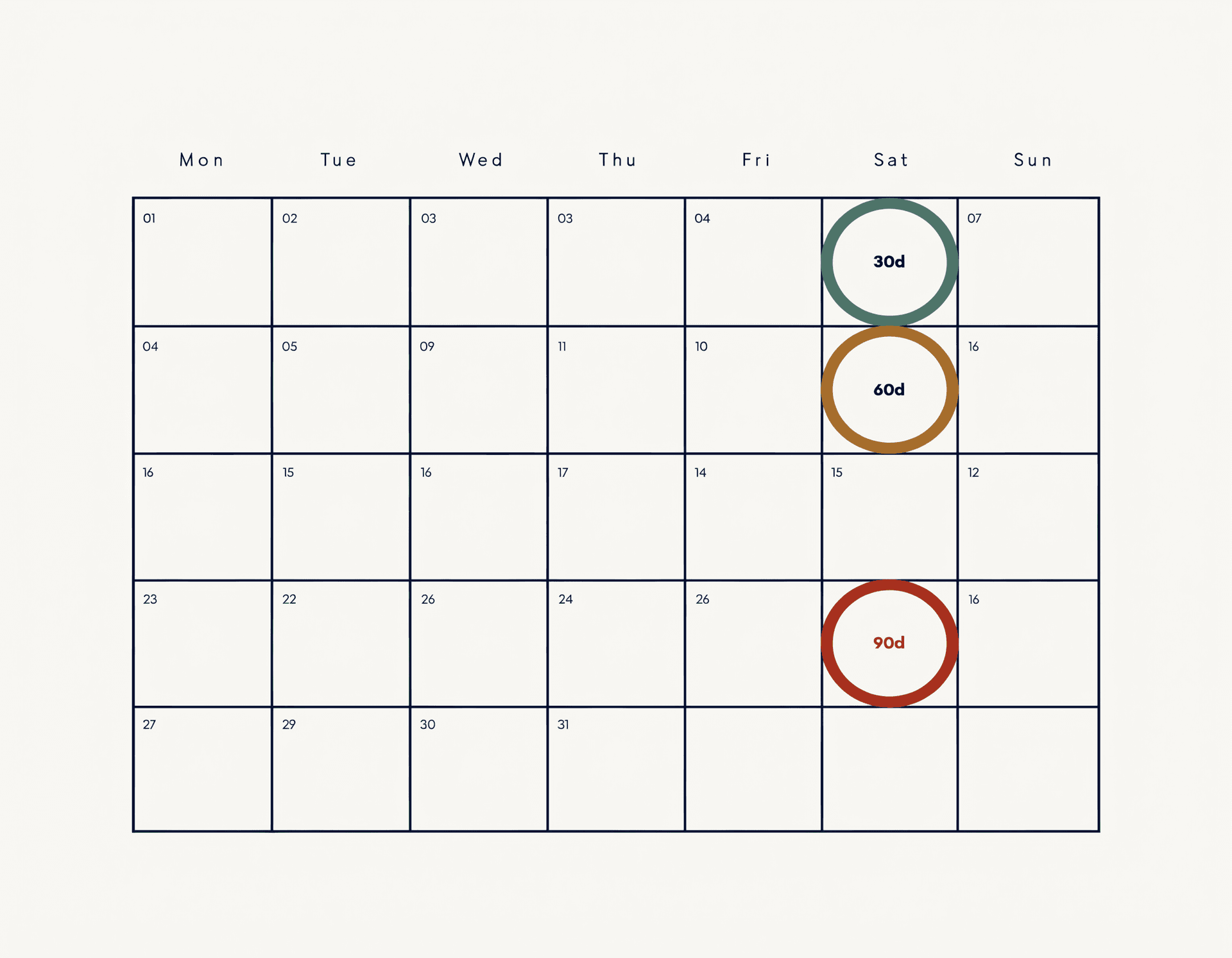
Renewal calendar
Annual broker reviews focus on coverage limits; endorsement language is usually a footnote.
Expiration windows the spreadsheet would have missed.
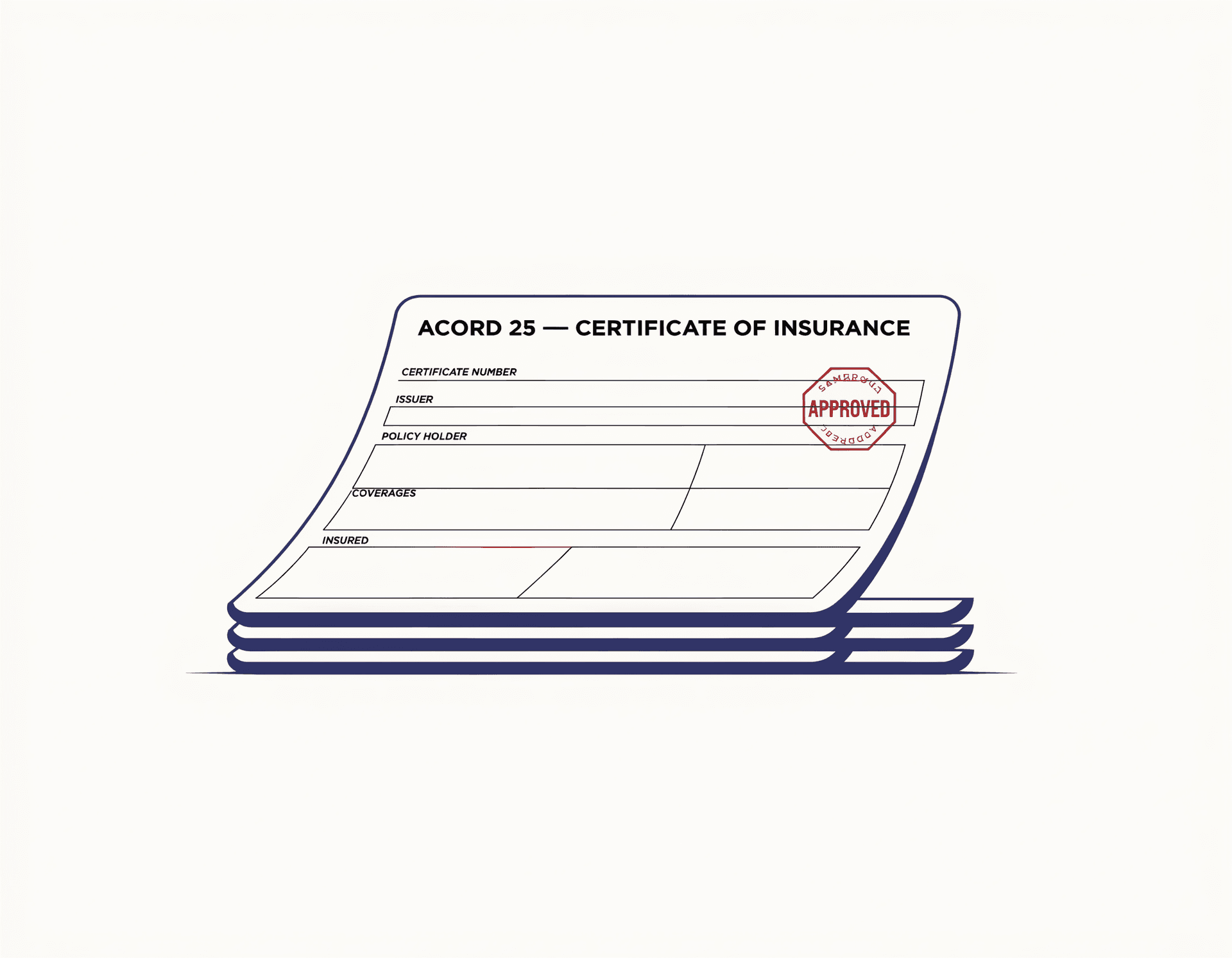
Audit trail
When a sub's GL exhausts and the additional-insured endorsement isn't valid, the gap is yours.
An audit-ready record of every approved COI.
Four steps · The whole audit, before lunch
Drag the standard certificate of insurance your sub’s broker already sends.
GL, Auto, Umbrella, WC, Excess limits — plus WoS, P&NC, and Additional Insured endorsements.
Each limit compared to your minimums, each endorsement checked against your requirements.
Compliant, Expiring, or Non-Compliant — with the specific gaps your broker would have missed.
Compliant
All required limits met, all three endorsements confirmed.
Expiring
Coverage is in place — but the policy lapses inside your renewal window.
Non-Compliant
A limit falls below your template, or a required endorsement is missing.
Built around the three endorsements industry literature flags as the recurring GC-uninsured-loss pattern: WoS, P&NC, and Additional Insured.
Pricing · One honest plan
SubShield Pro
Stamped · Early access
SubShield is in private validation. Drop your work email and we’ll let you in when general access opens.
Common questions
More on coverage, exports, and team access in the full FAQ.